Watching a Live Campaign
While a cross-promotion is running, two things happen at once. The bot does the Telegram-side work — publishing the posts, checking they stay up, removing them at the end, and messaging you at each stage. The numbers those messages refer to live on the campaign's own page on the website, which is where you actually watch a run.
The DMs are the milestones; the campaign page is the instrument.
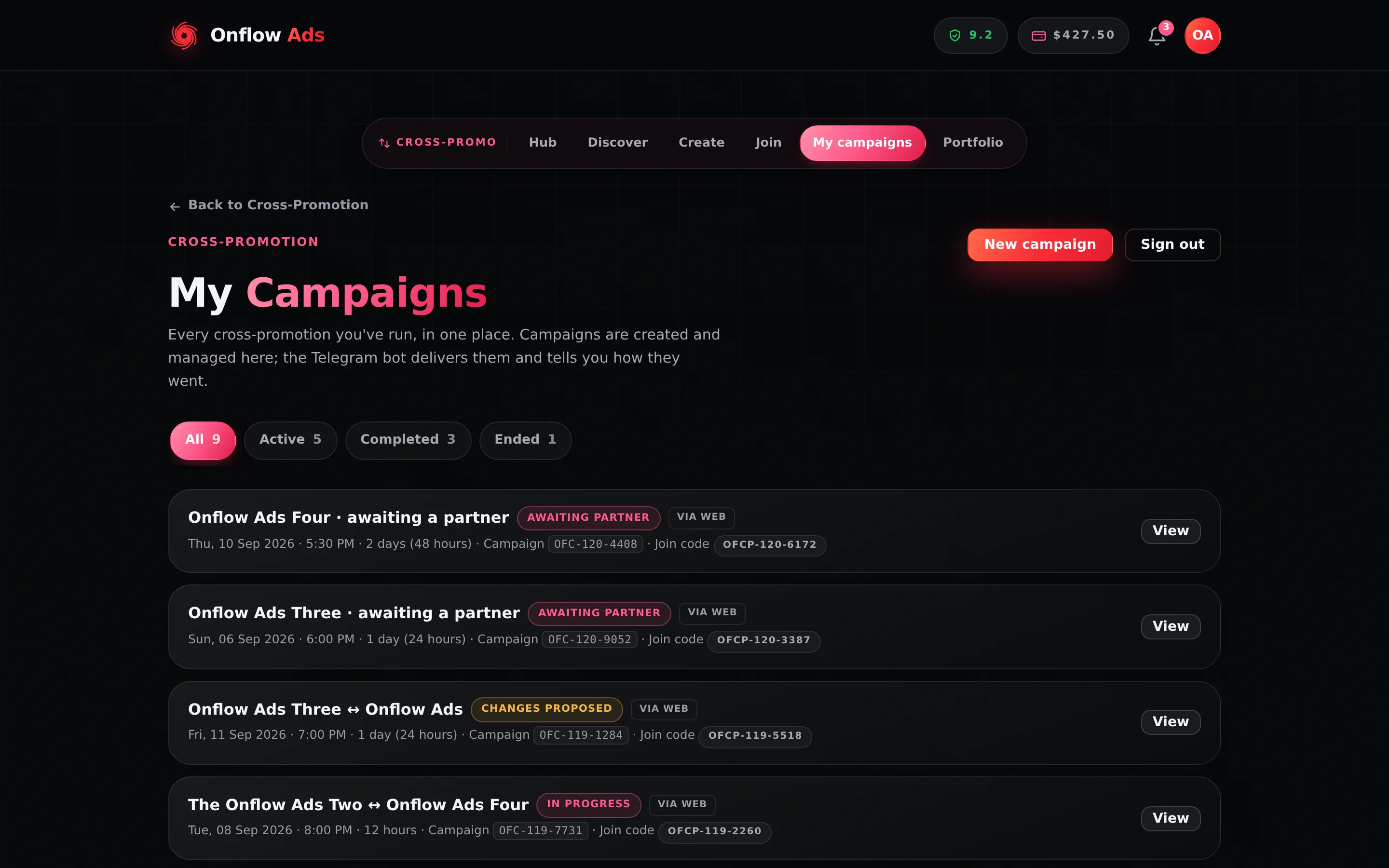
Plus plan · Advertiser. Your campaign list. Press View on a row to open that campaign's own page, which is where the live figures are.
Before you start
- The campaign must have gone live. Before that, the page shows the schedule rather than results.
- You need the campaign's code, or just your campaign list. Every campaign has a code beginning
OFCP-, printed in monospace on every DM about it so Telegram makes it tap-to-copy.
Every campaign has a fixed address built from its code:
https://onflowads.com/telegram/dashboard/cross-promotion/campaign/YOUR-CODE
Bookmark it, or open the campaign from My campaigns in the Cross-Promotion area. The page keeps working after the run ends, and its final figures are permanent.
The messages you get as a campaign runs
| Message | When | What it carries |
|---|---|---|
| Campaign Scheduled! | Both posts approved | The campaign code, start time and duration, and that the campaign will go live automatically |
| Campaign is Live! | The moment both posts go up | The campaign code, campaign name, duration and the exact end time |
| Campaign Complete! | The run finished and both posts were removed | The campaign code, duration, your ad opens, your partner's ad opens, the subscriber change for each side, and any campaign credit earned |
| Blitz Campaign Complete! | A Blitz run finished | The same figures plus a Slot Breakdown — per-partner opens — and the total across all slots |
A Blitz message carries its slot number, so you always know which pairing a figure belongs to.
If a violation was flagged on your account during the run, the completion message says so on a line of its own, rather than letting you find out later.
Each campaign's DM is the fastest route back to that particular campaign, because it carries the code that tells them apart. Tap the code to copy it, then paste it into a support message or the address bar.
What the campaign page shows you
From go-live the page is badged ● Live now and its numbers fill in as the run progresses; refresh to pull the latest. After the run it is badged Completed and the figures are final.
| Figure | What it means |
|---|---|
| Your ad opens | How many people opened your promo, running in your partner's channel |
| Partner ad opens | The same for your partner's promo, running in your channel |
| Total opens | Both sides combined |
| Subscribers gained | Each channel's own subscriber change across the run, shown once the campaign completes as a signed figure |
Opens are counted once per reader per link per day, and only while the campaign is live — so the figure reflects genuine interest rather than one enthusiastic reader tapping repeatedly. For exactly how an open is recorded, and why caption links now count too, see Ad Posts and Click Tracking.
The page also carries proof links to the two delivered posts, the insurance cover each side declared — marked paid out once a claim has been settled — and, for a Blitz, a per-partner breakdown instead of a single pairing. The full tour is on Campaign results and Campaign insurance.
Subscriber gain is each channel's total change over the run, so it includes people who arrived for reasons nothing to do with the swap, and it can be negative. Read it alongside the opens figure, not instead of it.
The checking that runs alongside
While the campaign is live, a monitor returns to both posts every 30 minutes to confirm they are still there, and confirms each partner is still a member of the other's channel. It stops 10 minutes before the scheduled end, because that is when the platform removes both posts itself.
If a post comes down early, the bot records the breach and the website prices it against the partner who removed it — and where that partner had declared insurance cover, the website moves the declared amount to the other side automatically. That is why the campaign page can show a cover as paid out without anybody opening a dispute.
The monitor is deliberately slow to accuse: it takes two consecutive confirmed readings before anything is recorded. See What the Bot Checks.
Rules and edge cases
One page per campaign. The page is tied to a single code. Running five campaigns means five DMs and five pages.
Numbers can differ from the completion DM by a moment. The DM is written when the campaign closes; the page is live up to that instant. Once the run is complete, both show the same frozen figures.
Nothing on the page is editable while a run is live. It reports. To cancel a campaign you must do it before go-live, from the campaign page — once delivery has started, the run stands.
A missing partner panel means no partner is attached yet, which is normal while a campaign is still waiting for one.
Results are never paywalled. Campaign results are free on every plan.
If something goes wrong
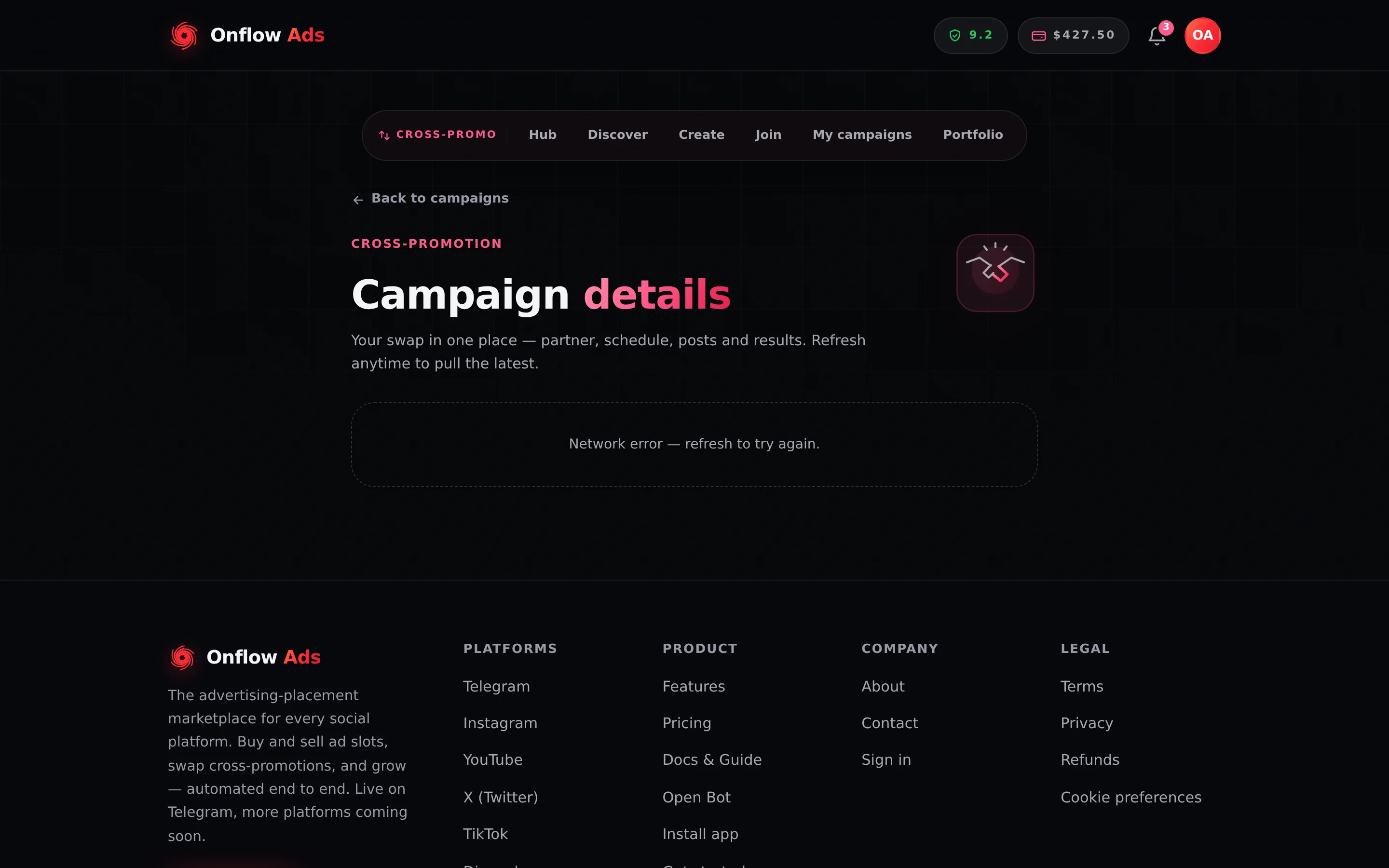
Plus plan · Advertiser. The campaign page when it cannot reach the server. The header always renders; the panel underneath is where the partner, schedule, posts and figures load. Refresh before assuming a campaign is missing.
| What you see | What it means | What to do |
|---|---|---|
| The page will not load for a code you pasted | The code is mistyped, or you pasted the campaign reference rather than the code | Open the campaign from My campaigns instead of typing an address |
| Fewer opens than you expected | Opens count once per reader per link per day, crawlers are excluded, and taps after the run are not counted | Compare against reach rather than raw impressions. Two channels with similar audiences also produce fewer opens |
| Your member count went down | The figure is a straight net change over the campaign window, so it includes everything unrelated to the campaign | Read it alongside the opens figure. A negative number is not evidence of anything wrong by itself |
| The page says Live now but a post is not in the channel | The post was removed after delivery | The monitor will pick it up. If it was you, expect a penalty; if it was your partner, expect a Partner Removed Their Post Early DM |
| No Campaign Complete! DM arrived | Telegram delivery failed, or you have that category muted | The page carries the same figures permanently. Check your notification settings |
Short FAQ
Can my partner see the same numbers?
Yes — both sides see the same campaign from their own point of view, which is what keeps a swap honest. Nobody outside the campaign sees either.
Where do the final numbers end up?
In the Campaign Complete! DM, and permanently on the campaign page at the same address.