Getting Started
Onflow Ads is an advertising, cross-promotion and growth platform for Telegram channels and other social audiences. It is live on Telegram today, with Instagram, YouTube, X, TikTok and Discord rolling out.
Everything you manage lives at https://onflowads.com — your channels, your campaigns, your wallet and your account. The official Onflow Ads Telegram bot works alongside it: it messages you when something happens, publishes and removes the posts you agreed to, and checks that they stayed up. It holds no account of its own.
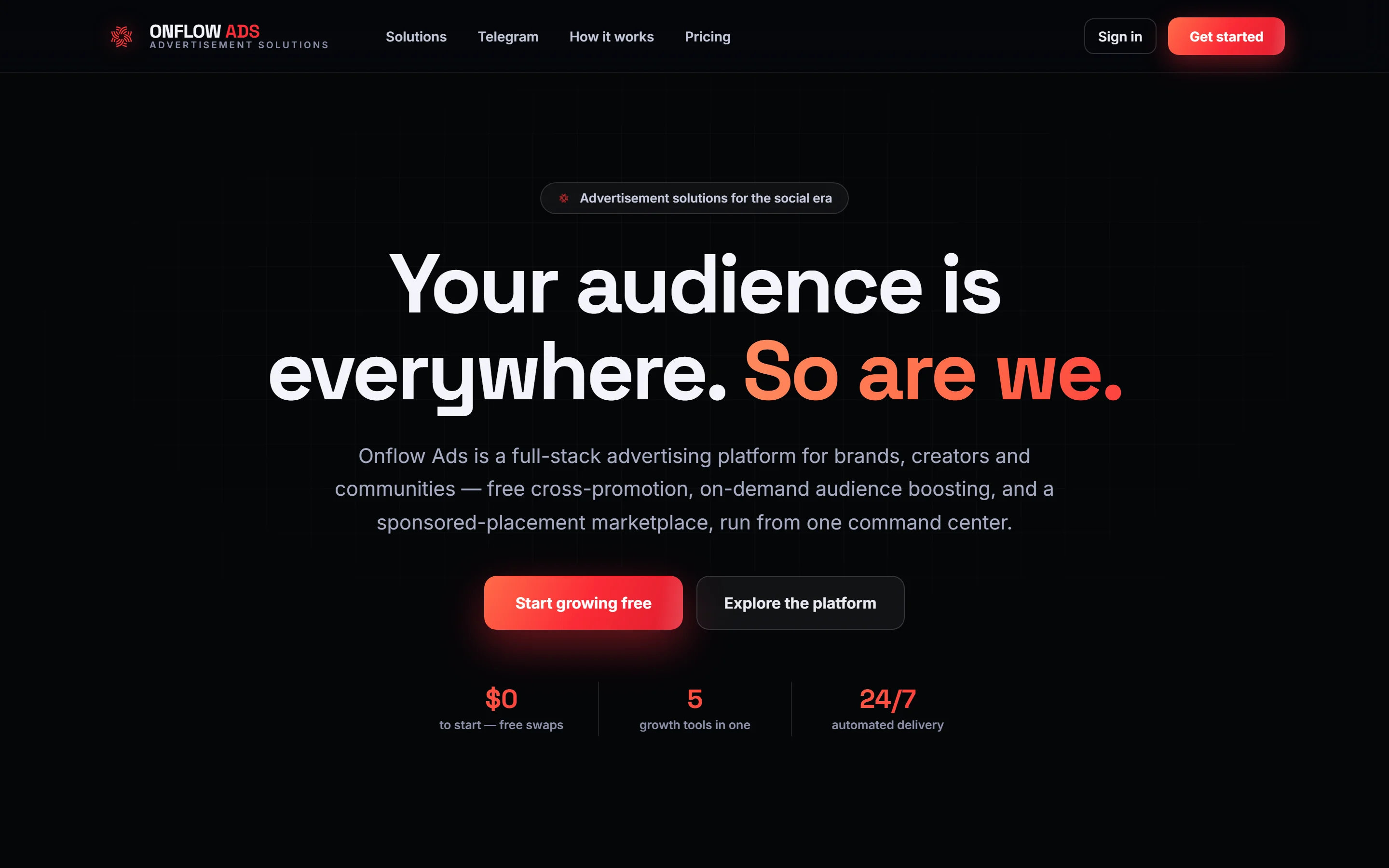
Signed out. The home page at onflowads.com. Start growing free is the front door to the sign-up form; Sign in at the top right is for an account you already have.
What you can do with one account
| Engine | What it does |
|---|---|
| Cross-Promotion | Swap promo posts with partner channels for free — create a campaign, share a code, and grow together. |
| Boost Metrics | Order followers, views, likes and reach on demand, paid from your wallet, with live delivery tracking. |
| Subscriber Exchange | Host ads in your channels and run your own across the exchange — free and powered by reciprocity. |
| Paid Promotions | Buy or sell sponsored posts across the network, as an advertiser or a channel owner. |
Alongside them: one post composer, shared by the three engines that publish a post — Paid Promotions, Cross-Promotion and the Subscriber Exchange — with an AI writing assistant inside it; click tracking on the placements you run; a wallet that funds every engine from one balance; and the Referral Programme, which pays you a share of every top-up your referrals make.
A post this platform puts into a channel is published with a single line under it — advertisement via onflowads.com, linked back to the site. It comes off for a plan of Plus or better, and the plan that counts is the one held by the owner of the channel the ad lands in — not the advertiser's. So a Plus host's channel stays clean whoever bought the slot, and a Free host's channel carries the line even when an Ultimate advertiser wrote the ad. It is the same rule in all three engines that publish a post, and there is no toggle either way.
The line is added by our bot at the moment it publishes. Where a channel owner publishes an ad by hand instead, nothing can stamp it for them, so what appears under that post is whatever they wrote. See Comparing the tiers.
Who it is for
- Channel owners and creators who want to grow an audience and earn from their reach.
- Advertisers who want placements in front of real, vetted audiences.
- Anyone doing both — one account can act on either side of the marketplace.
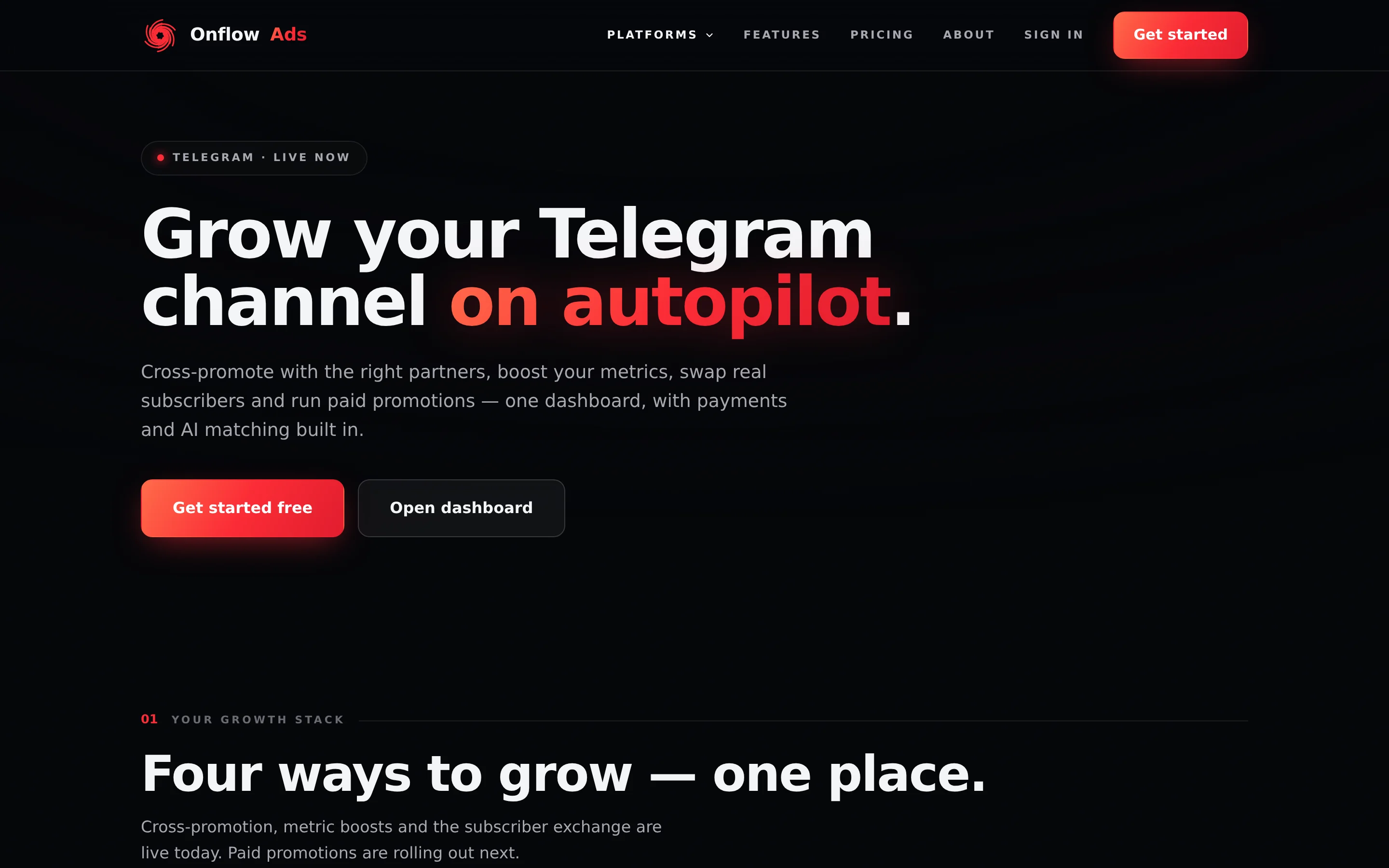
Signed out. Telegram is the platform that is live today; the other five are listed as coming soon.
Creating an account is free and no card is required. You can look around the whole dashboard before spending anything.
The quickstart
Four steps, and none of them is optional.
- Go to https://onflowads.com/signup, fill in the form and press Create account.
- Enter the 6-digit code we email you, on the Check your email page.
- Press Open dashboard on the Telegram card of your launchpad, then Open Telegram and connect — press Start in the bot once, and you are through.
- Press + Add channel to connect your first Telegram channel.
Onflow Ads will not open an engine for an account it cannot reach. An account created with an email must link the Telegram bot; an account created through Log in with Telegram must add a real email address. Until that is done, the Telegram dashboard and everything in it redirects to the connection screen. Connecting Your Account explains both halves, what stays open, and who never sees it.
Four ways in
| Route | What it needs | What you get |
|---|---|---|
| Email and password | A form and a 6-digit code | A 48-hour session, or 30 days with Remember me |
| Log in with Telegram | One confirmation in Telegram | A 48-hour session, and an account that must then claim an email |
| Continue with Google | A Google account with a verified address | A 48-hour session, matched to your address |
| Continue with Apple | An Apple ID with a verified address | A 48-hour session, matched to your address |
The three buttons appear on the sign-in and sign-up pages only while that method is switched on. All four end in the same account when they resolve to the same identity.
Finding your references
Everything you create on Onflow Ads — every order, campaign, top-up, payout and support conversation — is given a short permanent reference the moment it exists, like OFA-204-7831. You never create one and there is nothing to write down: the reference is on the thing's own row or page, and repeated in every email and bot message about it.
You need one only when you write to us, and then only one: the reference of the thing that is wrong. Your Onflow Ads IDs is the index — what each prefix means, where to find it, and which to quote. Your own account reference is on Your OFA ID.
In this section
Creating Your Account
Sign up for Onflow Ads — the form field by field, the password rules, the 6-digit code, and the connection step that finishes the job.
Verifying Your Email
How the 6-digit email code works — entering it, resending it, and every limit, lockout and error message explained.
Connecting Your Account
The one-time connection step every new account completes — email signups link the Telegram bot, Telegram sign-ins add a real email address — and exactly what is blocked until it is done.
Signing In with Email
Sign in with your email and password — Remember me, the two-factor step, where to sign out, and every sign-in message explained.
Signing In with Telegram
Sign in without a password using Telegram's own login — what the account you get looks like, why it must claim an email address, and every message the route can return.
Signing In with Google or Apple
Use Continue with Google or Continue with Apple to create an account or sign in — how the account is matched by email, why there is no password afterwards, and every message these routes can return.
Resetting Your Password
Recover access with an emailed 6-digit code and a new password — and the only way to change a password you still know.
Two-Factor Authentication
Protect your Onflow Ads account with authenticator-app codes and recovery codes — turning it on, signing in with it, and what to do when your phone is gone.
Sessions and Staying Signed In
How long each sign-in method keeps you signed in, what silently signs you out, and why signing out on Onflow Ads actually ends the session rather than only clearing a cookie.
Account Settings and Profile
Manage your name, email address, Telegram connection, security and wallet from the Onflow Ads account page — and what the page deliberately cannot do.
Referral Programme
Your OFRF code, your /i/ share link, and a share of every top-up the people you refer pay us, credited as boost credit for life — plus the partner links the team can attach to your account.
Partner links
For members who promote Onflow Ads by arrangement with the team — what a partner link is, how it is attached to your account, the rules a referral may have to meet, the two ways commission is paid, the figures you see, and what happens when a partnership is paused or ends.
Your OFA ID
What the OFA ID is, where to find it, when to share it, and the rules behind it.
Your Onflow Ads IDs
Every order, ticket, campaign, payout and account on Onflow Ads carries one short reference. What they look like, where to find each one, which to quote, and which ones are safe to share.
A Tour of the Dashboard
Where everything lives once you are signed in — the platform launchpad, the account menu that follows you around the site, and the door into the Telegram dashboard.
Limits and Lockouts
Every rate limit and lockout on Onflow Ads account actions, what triggers each one, how long it lasts, and which message you get when you hit it.
Account FAQ and Troubleshooting
Quick answers to the questions that come up in a new account's first hour — codes, lockouts, sign-in errors, the connection step, passwords and referrals.
Next: Creating your account — the sign-up form, field by field.