Editing channel details
A channel's name, description, photo, category, keywords, ad prices and audience information are not fixed. This page covers when you can change them, how the saving works, and what happens after.
Plus plan · Advertiser. The same wizard you filled in when you added the channel. Whether the fields accept typing depends on the status shown at the top.
Before you start
- The channel's
OFCH-reference. It is the last part of the wizard's address, and it is printed in the channel's row in My channels, on the channel's own dashboard, and at the top of the wizard itself. - The channel at status Draft or Needs changes. Anything else opens a read-only panel.
Go to https://onflowads.com/telegram/dashboard/channels/ followed by the channel's reference, for example /telegram/dashboard/channels/OFCH-118-4207. That single address serves both states: the editable wizard while the channel is a draft or has come back for changes, and the read-only status panel once it is under review or approved.
When editing is open — and when it is locked
| Status | Editing | Why |
|---|---|---|
| Draft | Open | The listing is yours to shape until you submit it |
| Needs changes | Open | A reviewer sent it back — fix it and resubmit |
| Pending review | Locked | Reviewers have to see a stable listing while they decide |
| Approved | Locked | What is live is exactly what passed review |
While locked, every write is refused with "This channel is locked while it's under review." — saving details, uploading a photo and removing a photo alike. There is no way around the lock from your side.
Approval locks a listing for good — the wizard does not reopen, and adding the same channel again is refused while the record stands. If something about an approved channel genuinely has to change, contact support with the channel's OFCH- reference and say what needs to change. See Removing a channel.
Step by step
- Open
https://onflowads.com/telegram/dashboard/channels/followed by the channel'sOFCH-reference. The wizard loads on step 1, pre-filled with everything you saved before. - Change what you need on any of the three steps — Details, Pricing, Audience.
- Press Continue to move on. A brief Saved ✓ confirms the save.
- Leave whenever you like. Coming back to the same address picks up where the last save left it.
- If the channel came back as Needs changes, finish on step 3 and press Submit for review to put it back in the queue.
Continue posts the entire form, not the step you are on. Editing a price on step 2 and pressing Continue also saves the description you retyped on step 1. The corollary is that pressing Back does not undo anything — going backwards is navigation, not a cancel.
What you can change
| Field | Limit |
|---|---|
| Channel photo | Upload image takes a JPG, PNG, WebP or GIF up to 2 MB; Remove clears it |
| Channel name | Required, up to 200 characters |
| Description | Up to 1,000 characters |
| Category and Primary language | One value each, from the fixed lists |
| Keywords | Up to 3 chips, each up to 40 characters |
| Ad placement prices | The required 1-day placement at $1 or more, plus any optional 2–7 day placements with their pin hours; the pin can never exceed the stay |
| Repeat-order discount | 1% to 90% |
| Audience gender split | The slider; the two halves always total 100 |
| Source of subscribers | Required, up to 2,000 characters |
Text longer than a field's limit is cut to fit on save rather than rejected, so check anything you paste in.
The registry's price sheet is stored as a stay length, a pin in hours and a price, and that is exactly what it means: the post is pinned to the top of the channel for that many hours. It is a different price sheet from the Paid Promotions rate card, which is edited on the marketplace listing and where "N hours at the top" means something else entirely — the ad is the newest post for N hours, not pinned. Do not read one as the other. See Listing your channel on Paid Promotions.
Remove deletes the stored image and also clears the link to the Telegram avatar it was originally taken from. The channel is then left with no photo, and it will not quietly reappear from Telegram. If you want a different picture, upload the replacement instead of removing first.
What you cannot change
- The channel itself. The
@usernameand link are fixed when the channel is registered. If you rename the channel's handle on Telegram, the record still points at the old handle; repointing or removing it is a support request — contact support. - The photo by web address. The photo comes from Telegram or from your own upload. There is no field for an image URL, deliberately: accepting one would let a member aim the server's image fetcher at an address of their choosing.
- Subscribers and average views. The wizard has no field for them: they are measured rather than typed, and the product re-reads them for itself wherever the number matters. The channel's own dashboard re-reads Telegram every time you open it and labels any figure it could not measure "As stated by the owner — not measured by us".
What happens after you edit
- Draft — the changes are just saved. Nothing is public. The channel only moves on when you press Submit for review.
- Needs changes — editing is how you answer the reviewer. Their note is at the top of the wizard, in the form "Changes requested:" followed by what they asked for. Make the fixes, then press Submit for review on the last step. Doing so clears the old note, puts the channel back in the queue as Pending review, locks it again, and sends you a confirmation email that it was submitted.
Submitting also re-runs channel verification — our bot must still be an administrator of your channel with the Post Messages right.
Editing a Needs changes channel does not put it back in the queue by itself. Until you press Submit for review it stays at Needs changes, and no reviewer will look at it again. The completeness meter reaching 100% does not submit it either.
If something goes wrong
| What you see | What it means | What to do |
|---|---|---|
| A read-only Under review panel instead of the wizard | The channel is Pending or Approved | Wait for the decision, or contact support if an approved listing must change |
| "This channel is locked while it's under review." | You tried to write to a pending or approved channel | Nothing unlocks it from your side |
| "Channel not found." | The reference in the URL does not match a channel on your account | Check it against the row in My channels |
You are bounced to /telegram/dashboard | The channel is not yours, or your session expired | Sign in again and open it from your own My channels |
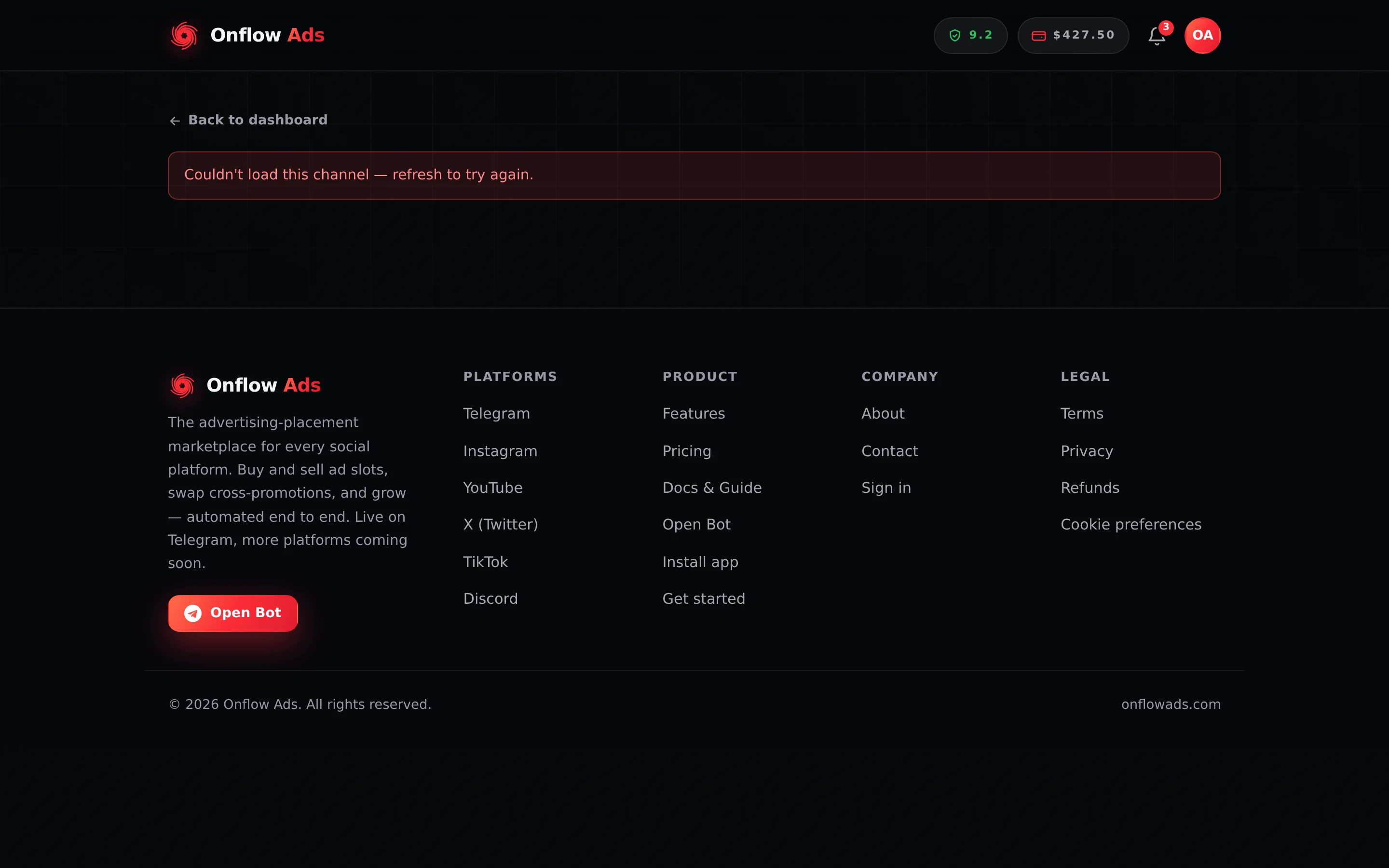
| "Couldn't load this channel — refresh to try again." | The request failed | Refresh |
| "Could not submit — check the highlighted steps." | The server refused the submit | Read the message it names — usually the title, the 1-day price, or the subscriber source |
| Your photo uploads but shows as broken | A corrupt or truncated file can pass the format check on its header alone | Re-export the image and upload it again |
Related
- Setting up your channel listing — every field, and what review requires
- Verifying your channel — the check that runs again at submit
- Removing a channel — what to do when a listing has to go
- Managing your channels — where to find a channel's reference
- A channel's own dashboard — the live figures the wizard has no fields for
Next: Removing a channel — how to have a channel record taken off your account.