Channels & Dashboard
This section covers the dashboard itself and the account-wide tools every product on Onflow Ads shares: the hub you land on, the channel registry behind it, the click figures your ads produce, the notifications that reach you, and the reliability score that follows your account everywhere.
Signing in lands you on your launchpad, where you pick the platform you want to work on:
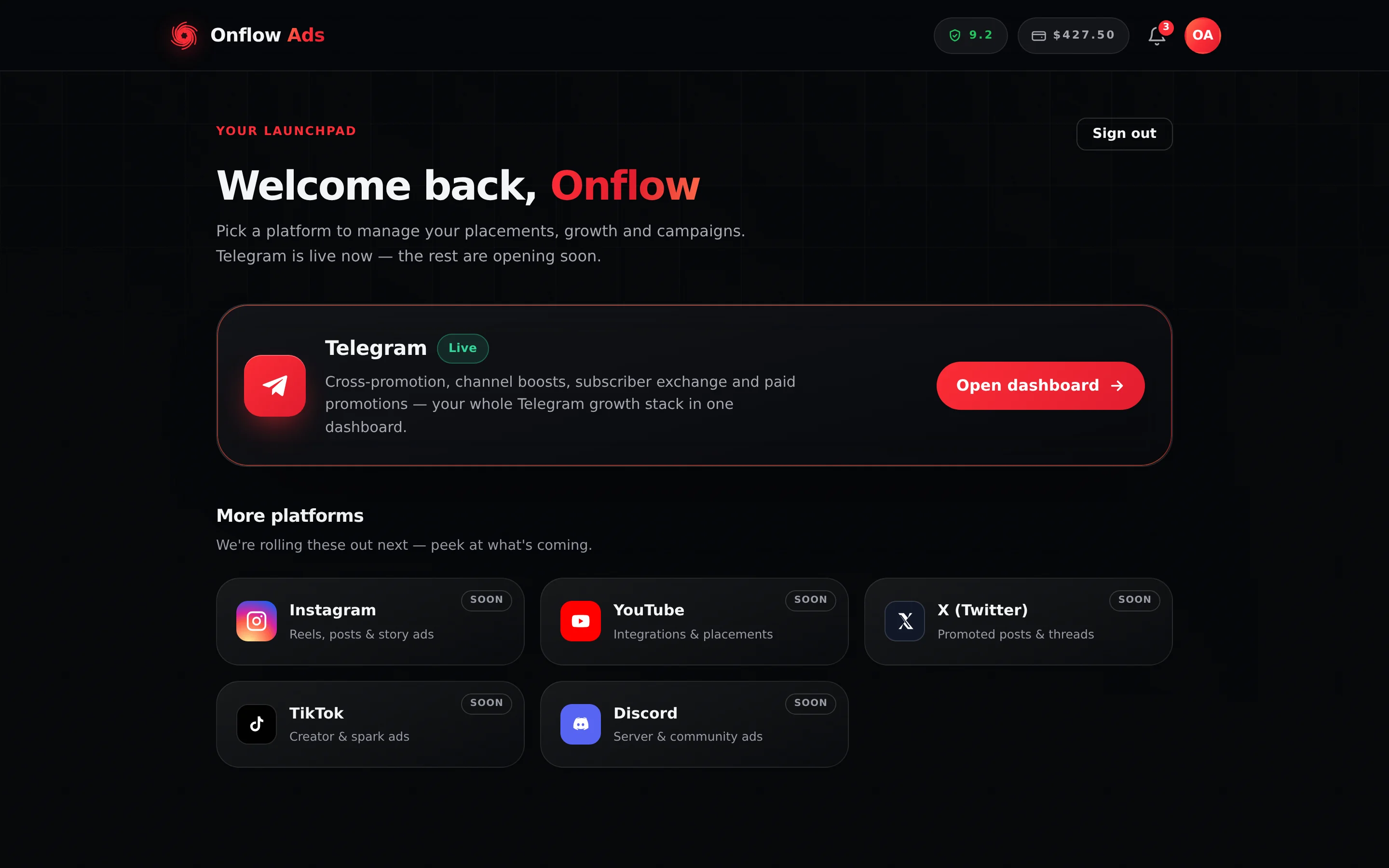
Plus plan · Advertiser. Your launchpad after signing in. Telegram is live today; the other platforms are marked "Soon". Everything in this section sits behind the Telegram card.
Before any page under /telegram/ will open, your account has to be reachable in both directions. If you signed up with an email, that means linking the Telegram bot. If you signed in with Telegram, it means claiming a real email address. Until both are true, every URL in this section redirects you to /telegram/link instead, and state-changing API calls under /api/paid/, /api/cp/, /api/boost/, /api/subx/ and /api/channels/ are refused with "Connect your Telegram to continue." or "Add your email address to continue." See Connect your account. Your launchpad at /dashboard, your account page and support are all deliberately outside the gate, so you always have somewhere to go.
Who it is for
- Anyone with a Telegram channel who wants it registered with Onflow Ads so the engines can reach it.
- Any member — advertiser or channel owner — who uses the hub, the notification centre or the click figures from their campaigns.
- Everyone, for the reliability score: it is one number per account, and the same number gates every engine.
What you can do here
- Read your hub at a glance — four cross-engine KPI tiles, one card per engine, and a My channels list of every channel you have brought into any of them.
- Open one channel's own dashboard — what it measures, what it has run in each of the four engines, what it has earned and cost, and the short public link you can share.
- Register a Telegram channel by pasting its public link and adding our bot as an administrator to prove you control it. Verification is instant.
- Fill in a channel listing with a three-step wizard — details, ad prices and audience — and submit it for review.
- See how the links in your ads performed — clicks, unique clicks and CTR, shown on the campaign that bought them.
- Control your notifications — in-app, email and Telegram DM, with an optional hourly or daily email digest.
- Read and repair your reliability score, including the full ledger and the appeal button on every penalty.
The registry this section documents is only one of them. Paid Promotions keeps its own listings (pp_listings, enrolled from List a channel), the Subscriber Exchange keeps its own enrolment, and Boost matches your channel by its t.me link. A channel can be in one, some or all of them. Two screens put all four together: the hub's My channels list, which does it for every channel you own at once — see Managing your channels — and a channel's own dashboard, which does it for one channel in depth, with a card per engine and a merged activity feed.
Where things live
Every page below needs a signed-in account with a verified email address, and every /telegram/ page additionally needs the onboarding gate cleared. The one exception is the last kind of address in the table: a channel's public page sits outside /telegram/ on purpose and opens for anyone, signed in or not.
| Destination | URL |
|---|---|
| Signed-in home (platform launchpad) | https://onflowads.com/dashboard |
| Telegram dashboard hub | https://onflowads.com/telegram/dashboard |
| Add a channel | https://onflowads.com/telegram/dashboard/channels/new |
| A channel's setup wizard | https://onflowads.com/telegram/dashboard/channels/OFCH-118-4207 |
| A channel's own dashboard | https://onflowads.com/telegram/dashboard/channels/OFCH-118-4207/overview |
| A channel's public page (not behind the gate) | https://onflowads.com/pc/6042 |
| Notifications | https://onflowads.com/telegram/dashboard/notifications |
| Reliability score | https://onflowads.com/telegram/dashboard/reliability |
| Wallet | https://onflowads.com/telegram/dashboard/wallet |
| The onboarding gate | https://onflowads.com/telegram/link |
The hub links to most of them: Add a channel sits in the My channels heading, and a registered channel's row links straight to its own dashboard. The wizard and the dashboard addresses both end in the channel's OFCH- reference, printed in the channel's row and at the top of both screens — see Your Onflow Ads IDs.
The public page is the exception: it is not an OFCH- address and it is not behind the onboarding gate. It is a short /pc/ link carrying a code of its own — four digits normally, taken from the tail of the channel's OFCH- reference when those digits are free — it exists only while the channel has an active Paid Promotions listing, and its whole job is to be opened by someone who has never heard of Onflow Ads. You copy it from the channel's dashboard rather than typing it — see Your public channel page.
In this section
The pages below run in reading order — start at the dashboard tour and work down, or jump to the tool you need.
The dashboard home
A tour of the Telegram dashboard hub — the sidebar, the four KPI tiles and exactly what they count, the engine cards, the My channels list, and the header tools on every signed-in page.
Adding a channel
Register a public Telegram channel with Onflow Ads — the direct URL for the add page, the far more common Cross-Promotion route, the bot-admin gate, and the rate limits.
Verifying your channel
Prove you control a Telegram channel by adding our bot as an administrator — the rights to grant, the one-tap deep link, what each source of data supplies, and every result message decoded.
Setting up your channel listing
The three-step channel wizard — details, ad prices and audience — the completeness meter, what the wizard demands versus what the server actually requires, and what review decides.
Managing your channels
What the My channels list on the Telegram hub is, where each row comes from, what the engine chips mean, which rows open a full per-channel dashboard and which open a popup instead.
A channel's own dashboard
The per-channel page behind every row in My channels — every figure it shows, exactly how each one is worked out, which numbers we measured and which you told us, what it counts per engine, and the public link you can share.
The channel story popup
The popup a channel with no registry record opens on the hub — every phase label, metric, money chip and reliability chip in it, and exactly how far each number can be trusted.
Editing channel details
Change a registered channel — how to get back to its wizard, when editing is open or locked, how saving really works, and how to answer a reviewer who asked for changes.
Removing a channel
How to have a channel record removed, how to stop each engine using it first, and exactly what removal does and does not touch.
Links and results
Every link in an ad is published as its own onflowads.com/rr/ short link — where each one sends the reader, how taps, joins and landings are counted, what is never stored, and where the figures are shown, down to the click analytics panel.
Notifications
The bell, the pop-up alerts, the notification centre and the delivery settings — every category, which updates always email you, and what a digest does and does not batch.
Your reliability score
The single 0-to-10 trust number on your account — what it gates, every way it moves, how to read your ledger, how to appeal a penalty, and what an appeal outcome does and does not tell you.
FAQ & troubleshooting
Quick answers for the Telegram hub, the channel registry, verification, links and results, notifications and the reliability score.
Next: The dashboard home — the hub every engine hangs off.