AI helpers across Onflow Ads
Beyond the composer and its AI popup, six small AI helpers are scattered through the product. Each is a single button that answers one question. This page is the reference for all of them: where it is, what it actually computes, and what it spends.
Every helper here follows the same discipline. The numbers are arithmetic and the sentences are AI. The counts, clusters, candidates and dates come from the server; the model only ever narrates or picks from a list it was handed. That is why you can always check a suggestion against a figure on the same screen.
Paid Promotions → Channel finder ranks channels on CPM, engagement, witnessed delivery and owner reliability, and the Rebook the winners panel on the analytics page is computed from your own measured results. Every input is a number you can check on the channel page, and neither panel spends an AI action. See Channel finder.
Paid Promotions
Check overlap — the cart's audience-overlap panel
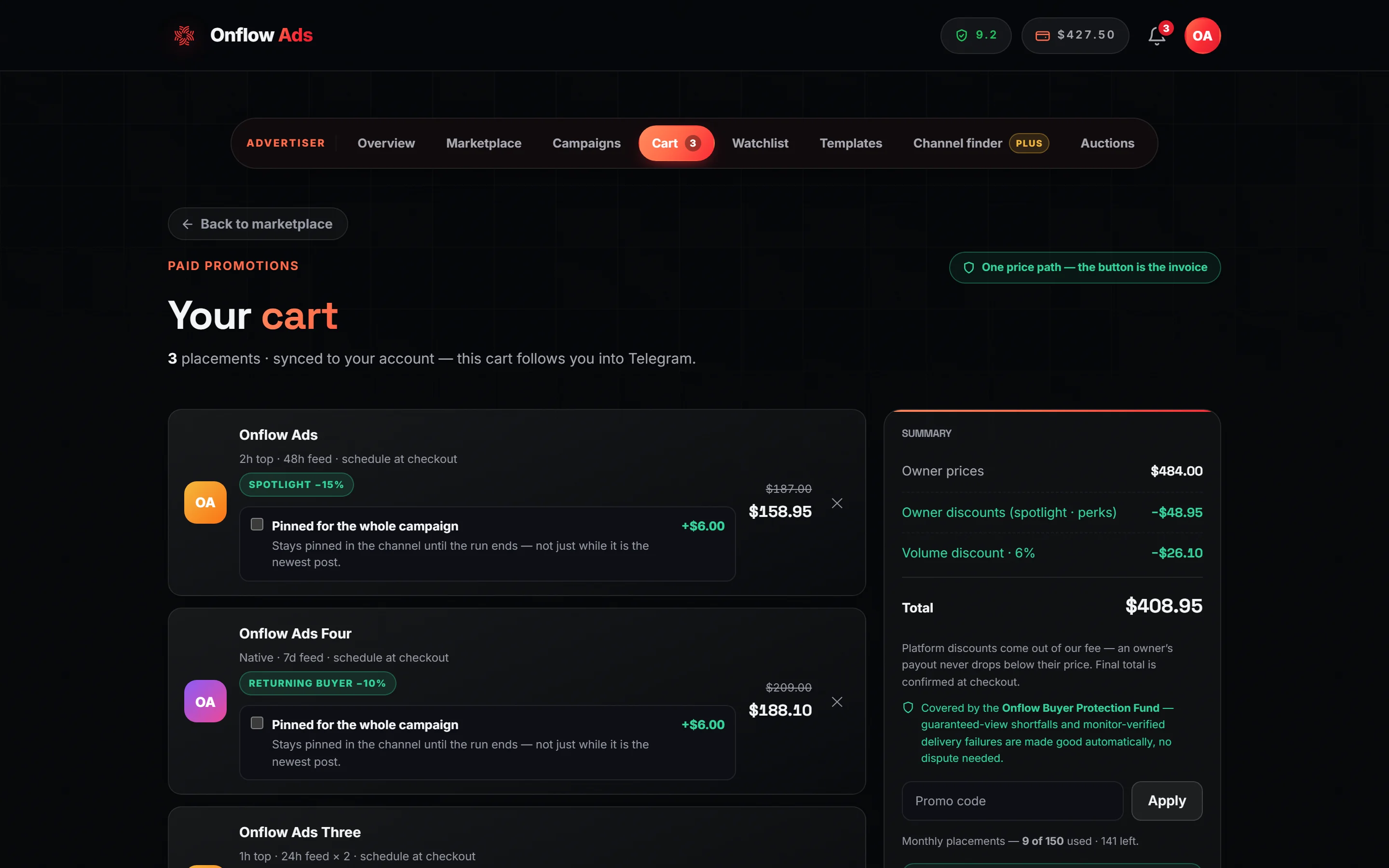
Plus plan · Advertiser. The Audience overlap panel sits under the placement lines, below the live-pricing note. It appears only once the cart holds two or more placements.
The panel is headed Audience overlap and reads Booking similar channels can reach the same people twice. Check before you pay. Press Check overlap and the label becomes Checking…
What the server computes without any AI:
- High risk — Likely same audience: two or more channels in your cart share both a category and a language.
- Some overlap: two or more share a category and a geographic region.
- The channel count, the number of distinct categories and the number of distinct languages in the basket.
The model is handed those clusters and writes two or three sentences on the practical trade-off — repetition versus unique reach, and whether to trim a cluster or keep it deliberately. It is told to invent no numbers.
| Situation | What happens | Cost |
|---|---|---|
| Fewer than two placements | Add another channel to compare. | Nothing |
| No overlap found | A deterministic all-clear: These channels span different audiences — little overlap to worry about, so your reach should add up rather than repeat. | Nothing — no model call is made |
| Overlap found | The risk clusters plus a line of advice | 1 text action |
| Overlap found, out of allowance | The clusters still render, with You've used today's AI actions (or this month's, naming the reset) — the overlap above still stands. | Nothing |
Two channels with the same audience means a reader sees your ad twice. That is wasted money if you were buying reach and deliberate frequency if you were buying recall. The advice line exists to make you choose on purpose rather than by accident.
What does this prove? — the delivery-proof explainer
On the proof trail of a delivered placement, under the heading Delivery proof archive — frozen and signed. What a dispute is argued over, sits a button reading What does this prove?
Press it and the page shows Reading the proof trail…, then a paragraph in its place. The model is given only the trail's own facts — whether a booked baseline exists, how many independent monitor captures there are, whether every signature verifies, whether the post was edited, and the peak observed views — and is instructed to explain in two or three sentences what the trail proves and, honestly, what it does not claim: not that the views were human, and not that reach equals sales.
Cost: one text action. The explainer runs only when you ask for it; opening the proof trail costs nothing.
| What you see | What it means |
|---|---|
| Reading the proof trail… | Running |
| A paragraph | Success |
| You've used today's AI actions. or You've used this month's AI actions. | Out of allowance. The proof rows are unaffected |
| Couldn't explain this right now. | The model returned nothing. Nothing was spent |
The archive is the evidence — an append-only, signed record of the booked creative and the monitor captures of the live post. The AI paragraph is a reading of it for a non-technical audience. If the explainer is unavailable, nothing about your proof or your dispute position changes.
Subscriber Exchange
Plus plan · Advertiser. The exchange's AI lives inside the ad builder, which you reach through My advertisements.
The exchange has exactly one helper of its own, below. Writing the ad text and making its picture are both the shared composer popup now, opened with Write my ad with AI in the Post text step — see The AI composer popup, Drafting a post from a brief and Generating ad images. The old standalone Write my ad and Generate image with AI buttons, each with its own brief field, no longer exist.
Targeting copilot
On the ad's content-level and topic step, under the eligible-channels note, a button reads Targeting copilot. Press it and the label becomes Thinking… while the page shows Reading the pool…
The valuable half is not the AI. The server counts, for your ad:
- how many channels accept your content level;
- how many are still eligible after your targeting;
- how many would be eligible if each single filter — topic, language, country, size band — were dropped on its own.
That last figure is what makes a filter's cost concrete: it is a real number of channels, not an impression. The counts come back whether or not the model runs, and the result line always opens with Eligible now: N of M channels at this level.
The model then writes two or three sentences naming the filter that costs the most reach, whether it is worth it, and which one to relax first if the pool is small.
Cost: one text action for the advice. The counts are free.
| What you see | What it means |
|---|---|
| Pick a content level first. | No level chosen yet |
| Eligible now: N of M channels at this level. with a line of advice | Success |
| The same head line with no advice | You are out of allowance, or the model returned nothing. The counts are still true |
| Couldn't analyse targeting right now. | The pool could not be read at all |
If the copilot reports a handful of eligible channels, your ad will be placed slowly or not at all — no amount of waiting fixes an empty pool. Relax the filter the copilot names before you submit, not after your ad has sat idle for a week.
Cross-Promotion
Best day to go live
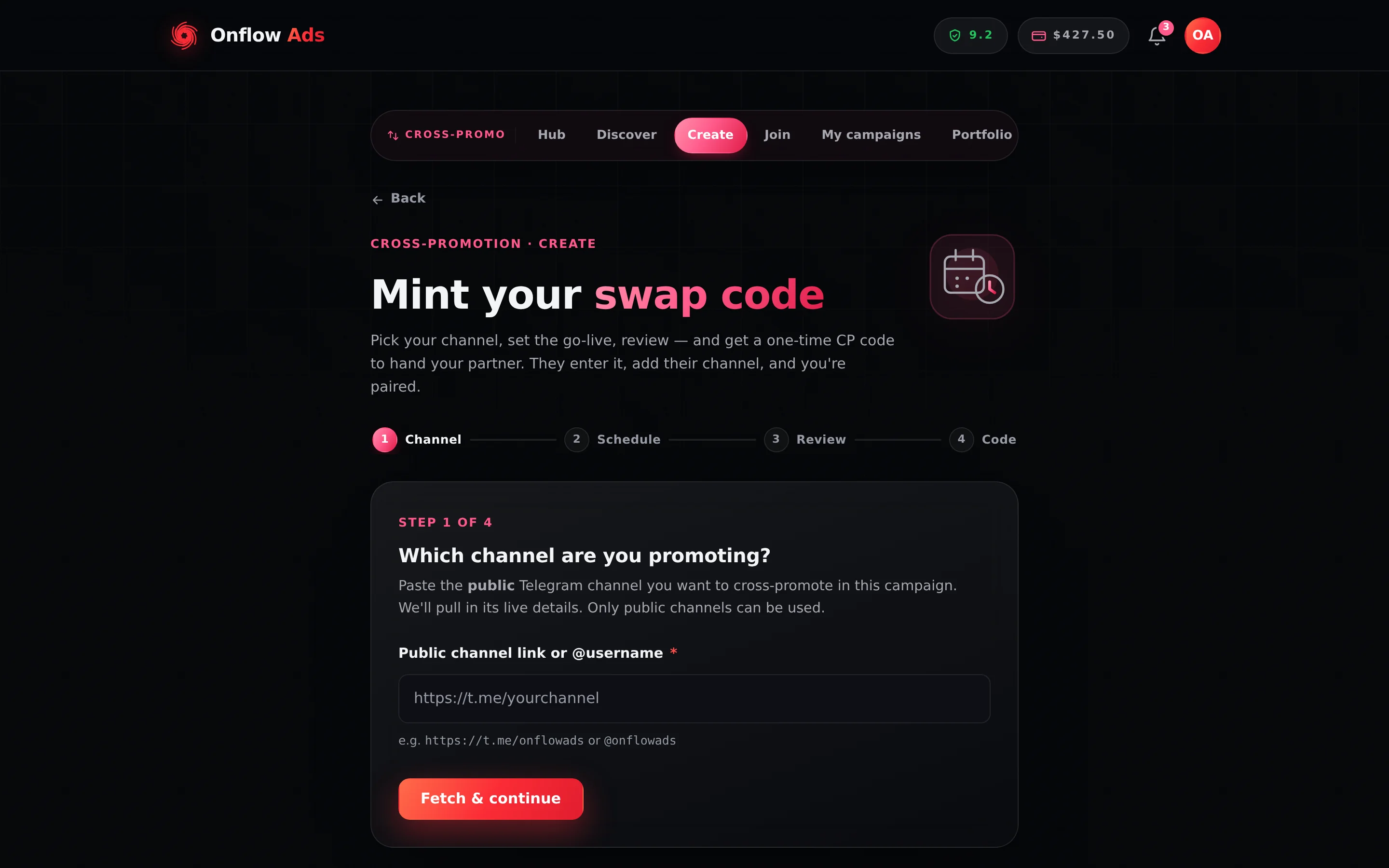
Plus plan · Advertiser. The AI date advisor is in step 2 · Schedule, under the calendar. You have to complete step 1 first, because the recommendation is computed from the channel you pick here.
In the scheduling step, under the go-live calendar, a button reads Best day to go live. Pressing it changes the label to Finding…
The candidate dates are computed by the server from your channel's busiest posting weekdays, read live from the channel and cached for about ten minutes. The model is shown those numbered candidates and may only choose one of them, and its choice is re-validated against the list — so the date you get back is always a real candidate, never an invented one. It also writes a reason of eighteen words or fewer, shown as a starred hint under the calendar. Selecting the recommendation moves the calendar to that date.
| Situation | What you see | Cost |
|---|---|---|
| No channel picked yet | Pick your channel first. | Nothing |
| Not enough posting history | Not enough recent posts to recommend a best day yet — pick any date. | Nothing |
| A valid pick | A starred hint with the date and the reason | 1 text action |
| The model's pick failed validation | The soonest busy day instead, noted as Your channel's soonest busy posting day. | Refunded |
| Out of allowance | You've used today's AI actions. or You've used this month's AI actions. | Nothing |
| The request failed | Couldn't suggest a day right now. | Nothing |
Find my best matches
On Cross-Promotion → Discover, once you have told the page which channel is yours, a card appears above the partner list reading Not sure who fits? with a Find my best matches button.
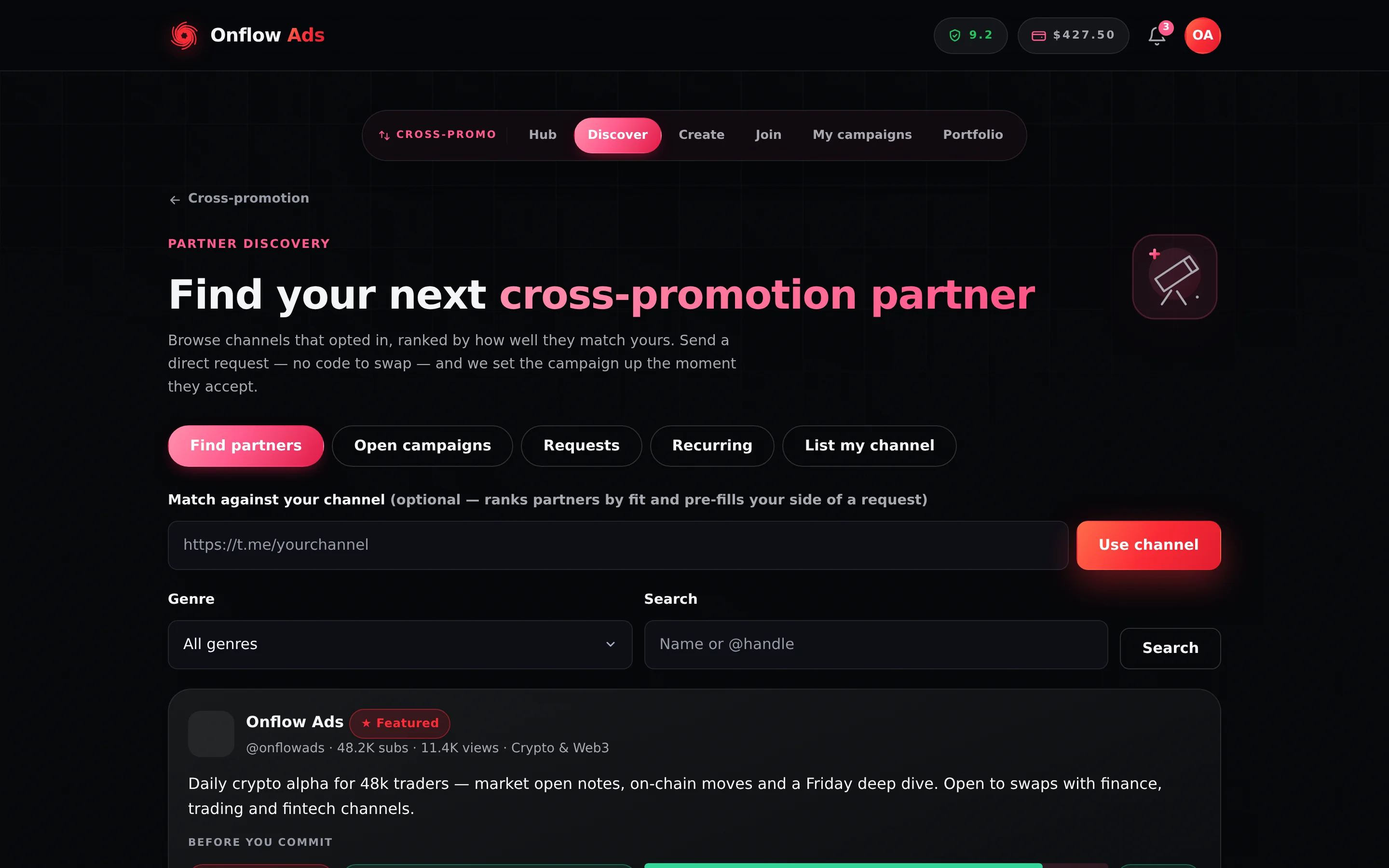
Plus plan · Advertiser. The matchmaker card is not drawn here because no channel has been matched against yet. Paste your channel into Match against your channel and press Use channel, and the Not sure who fits? card appears above the first partner card.
The model is handed up to twelve candidates already on your screen — title, subscribers, average views, their pitch, the size-fit verdict, reliability percentage, average rating and whether they are new — and returns two to four picks with a reason of sixteen words or fewer each, plus a short summary. Every username it returns is re-validated against that candidate set, so it can never recommend a channel that was not on the page.
Cost: one text action. If nothing survives validation, the action is refunded and no panel is shown.
| What you see | What it means |
|---|---|
| Weighing your matches… | Running |
| A summary line and two to four partner rows with reasons | Success |
| You've used today's AI actions. or You've used this month's AI actions. | Out of allowance |
| Couldn't shortlist matches right now. | Nothing survived validation, or the model returned nothing. Refunded |
The matchmaker does not search the whole directory. It reads the candidates your current filters produced. Widen the genre filter or clear your search before running it if you want it to consider more channels.
Redraft my blurb with AI
If one of your own channels has been listed in the partner directory for more than seven days with no inbound request, a banner appears above the partner cards headed Your directory listing is quiet. It carries two buttons; the second is Redraft my blurb with AI.
Press it and the label becomes Drafting…, then the suggested pitch line appears in the banner in quotation marks with a Use this pitch link under it. Nothing is saved until you press Use this pitch — at which point the new blurb is written to your listing and the page confirms New pitch saved to your listing.
The model is given only your channel's own profile — title, genre, subscribers, average views and description — and asked for one sentence under 240 characters, grounded strictly in that profile.
Cost: one text action, refunded if nothing comes back. If it fails you see Couldn't draft a blurb right now — write your own from the "List my channel" tab.
Onflow AI in the help widget is the one helper that does more than draft or suggest: signed in, it looks up your own records and carries out routine tasks across Boost, Paid Promotions, the Subscriber Exchange and Cross Promotion — always proposing first and acting only after you confirm. What the assistant can do for you has the full list and the confirmation rule.
Related
- AI across Onflow Ads — the one-table map of every AI control.
- AI in the booking composer — the four Paid Promotions controls.
- The AI composer popup — the shared dialog the three engines write in.
- AI quotas and limits — what each of these spends, and what happens when you run out.